Audio / Video
Remove Audio from Video
Strip the sound track from a video without re-encoding.
Supported formats: MP4, MOV, WebM, MKV. Best for clips under about 200 MB. Very long or 4K videos may run out of browser memory, especially on phones.
Good to know
Frequently asked questions
How do I use it?
Choose your file and press “Remove audio”. When it finishes, download the result.
How does it work?
Runs FFmpeg inside your browser. Pressing the process button loads about 32 MB of engine files from unpkg, with jsDelivr as a fallback. The engine is reused while this page stays open; later visits may download it again depending on browser caching. These hosts receive ordinary connection information such as your IP address, not your selected file. Internet access is needed when resources are not cached. Large clips may take several minutes. The picture is copied as-is, so this is fast and there is no quality loss.
Are there limitations?
Best for clips under about 200 MB. Very long or 4K videos may run out of browser memory, especially on phones.
Are my files uploaded?
No. Files are processed on your device and never sent to our servers. No account is needed.
Keep exploring
Related tools

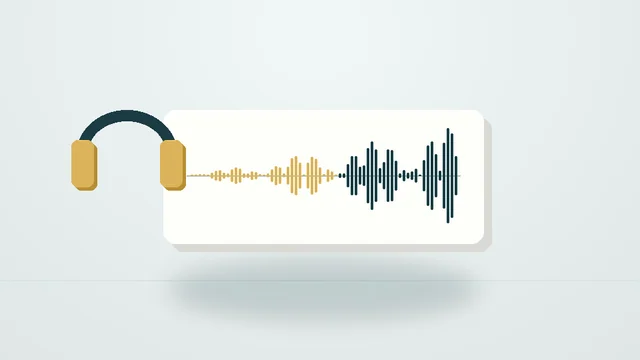
Audio Fade In / Fade Out
Add smooth fade-in and fade-out to songs, podcasts and ringtones.