PDF & Document
Add Bookmarks to PDF
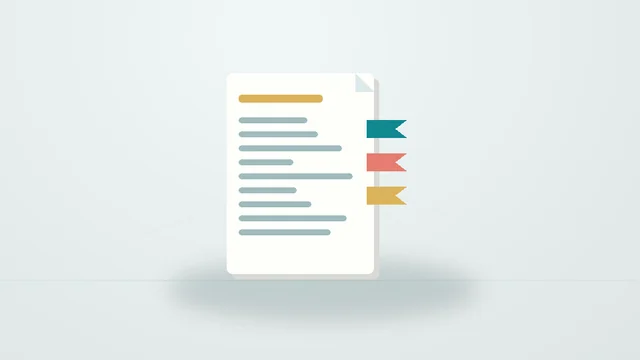
Add clickable bookmarks that jump to the pages you list.
Supported formats: PDF. Creates one flat level of bookmarks. Password-protected PDFs aren't supported.
Good to know
Frequently asked questions
How do I use it?
Choose your file, adjust the options and press “Add bookmarks”. When it finishes, download the result.
How does it work?
Writes a new outline to the PDF and sets it to open with the bookmarks panel. Existing bookmarks are replaced.
Are there limitations?
Creates one flat level of bookmarks. Password-protected PDFs aren't supported.
Are my files uploaded?
No. Files are processed on your device and never sent to our servers. No account is needed.
Keep exploring
Related tools
PDF & Document
Add Header & Footer to PDF
Add custom text and page numbers to selected PDF pages, preserving the original content.