PDF & Document
Remove Blank PDF Pages
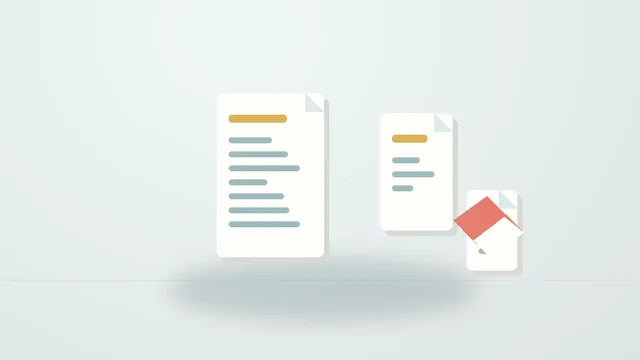
Detect and delete empty pages, e.g. from duplex scans.
Supported formats: PDF. Scanned pages with noise may need a higher tolerance; check the list before deleting the original. Password-protected PDFs aren't supported.
Good to know
Frequently asked questions
How do I use it?
Choose your file, adjust the options and press “Remove blank pages”. When it finishes, download the result.
How does it work?
Renders each page small and counts non-white pixels; pages at or below the tolerance are removed. A list of removed pages is included.
Are there limitations?
Scanned pages with noise may need a higher tolerance; check the list before deleting the original. Password-protected PDFs aren't supported.
Are my files uploaded?
No. Files are processed on your device and never sent to our servers. No account is needed.
Keep exploring
Related tools
Add Header & Footer to PDF
Add custom text and page numbers to selected PDF pages, preserving the original content.